Task Diagram
After plugins are added to the client and/or server configuration, the diagram shows each client plugin and the direction of its traffic toward the selected destination. Click a plugin block in the diagram to edit that plugin. This is the same editor that opens when you click  in the client or server plugin list.
Figure 23 shows an example.
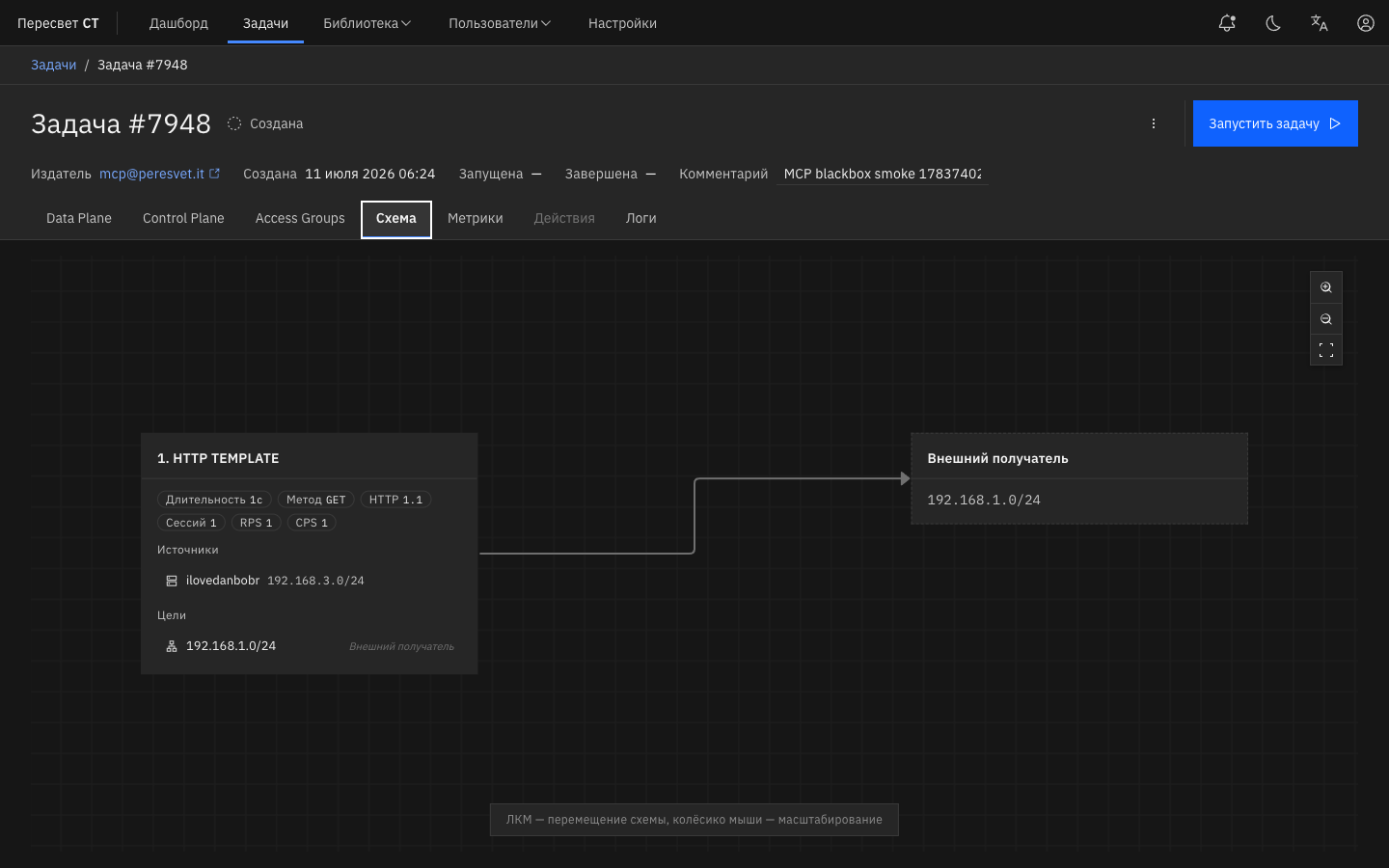
Figure 23 — Task diagram after plugin configuration