PCAP Replay
PCAP Replay reproduces traffic from an uploaded PCAP/PCAPNG file. Version 2.1 supports two modes: stateless replay of raw packets and stateful replay of selected TCP/UDP sessions using the task settings.
Upload PCAP files under Library → PCAP files.
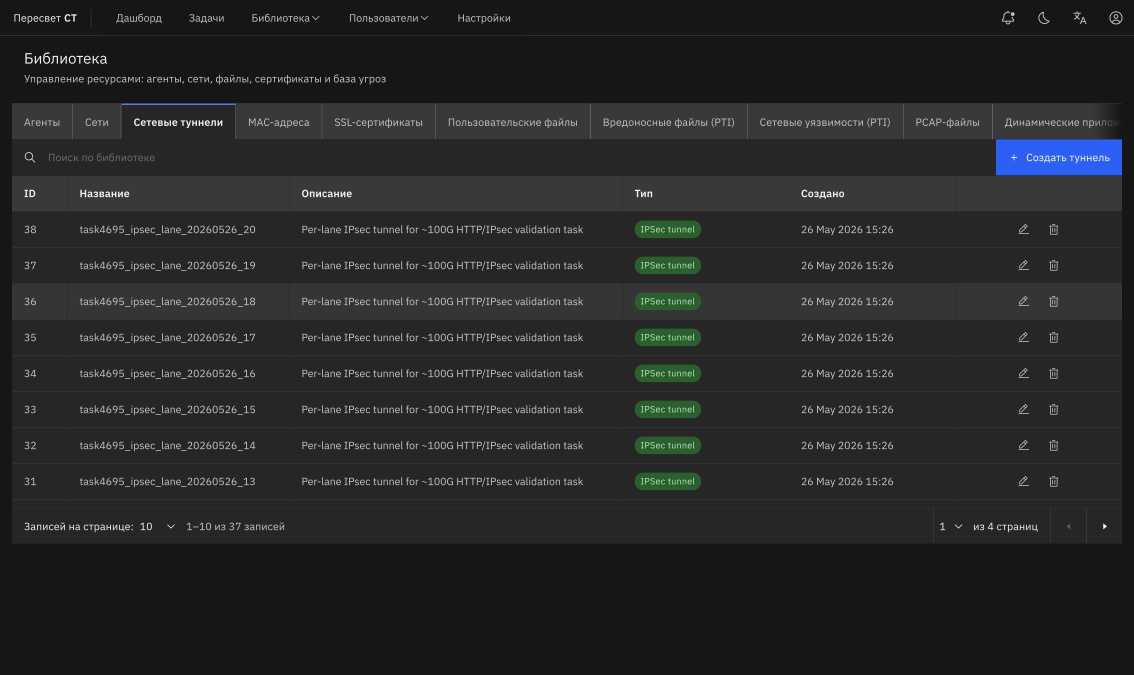
Figure 17 — PCAP file library
Table 183 — PCAP Replay settings
| Name | Description | Value |
|---|---|---|
| PCAP file | Library file to replay | Click Select PCAP file |
| Mode | Replay method | Stateless sends packets from the capture; Stateful replays TCP/UDP sessions |
| Sessions | TCP/UDP sessions detected in the PCAP | Select one or more sessions for stateful mode |
| Playback mode | Repeat playback after reaching the end of the file or run one pass | One pass replays the selected file or sessions once; loop mode repeats the scenario until the task stops |
| Follow timing | Preserve the timing of the original capture | Enable to reproduce the actual exchange dynamics |
| Session close behavior | Behavior after the selected session completes | As in PCAP, always close, or do not close automatically |
| Replace L2 | Replace MAC addresses from the PCAP with task values | Use when the capture was recorded in a different L2 environment |
| Replace L3 | Replace IP addresses from the PCAP with source and target values | Use to move the scenario to another test environment |
| Replace L4 | Replace source and destination ports | Use when the 4-tuple must be adapted |
| Client/server IP | Endpoint addresses inferred from the selected session | Populated automatically after session selection, or entered manually |
| Custom rules | Search and replace within a packet | Hex, string, or regex; scope: Ethernet, IP, L4, payload, or entire packet |
| L7 rules | Search and replace within application data | Use to modify HTTP bodies, tokens, paths, and other L7 values |
| Update Content-Length | Automatically recalculate HTTP Content-Length after an L7 replacement | Enable when a replacement changes the HTTP message body size |
| PPS/CPS | Packet transmission or session opening rate | Depends on the selected mode |
| Duration | Scenario runtime | Specify a duration or use loop mode |
In PCAP Replay, One pass mode without looping runs the selected file or sessions once. If Follow timing is enabled, the platform preserves pauses from the original capture, but the playback window is limited to 86400 seconds (24 hours). Packets or steps that occur later than this window in the source PCAP are not replayed. For such scenarios, shorten the capture, disable Follow timing, or use loop mode.
If the selected PCAP does not contain the required sessions, check the traffic direction, confirm that the capture contains TCP/UDP exchanges, and verify that the file was uploaded correctly.