Compromised Host
The plugin performs C2 campaign replay: the client emulates an infected host and the server emulates a C2 controller. Campaigns use IOCs, families, C2 commands, and multistep chains as network artifacts. They do not execute payloads or contact live C2 infrastructure. Scenarios come from the C2 Compromise Scenarios (PTI) library.
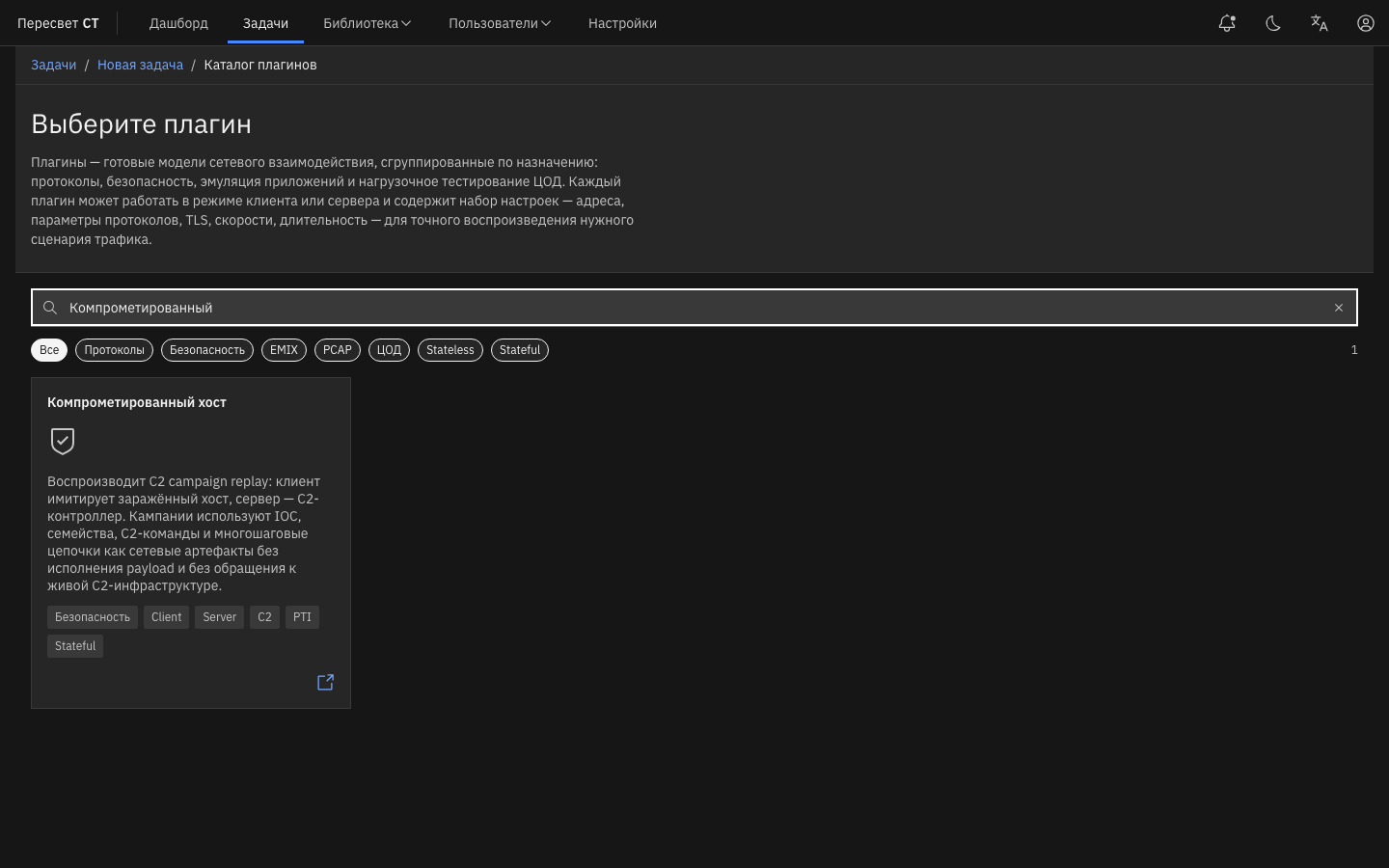
Figure 20 — Compromised Host plugin in the catalog
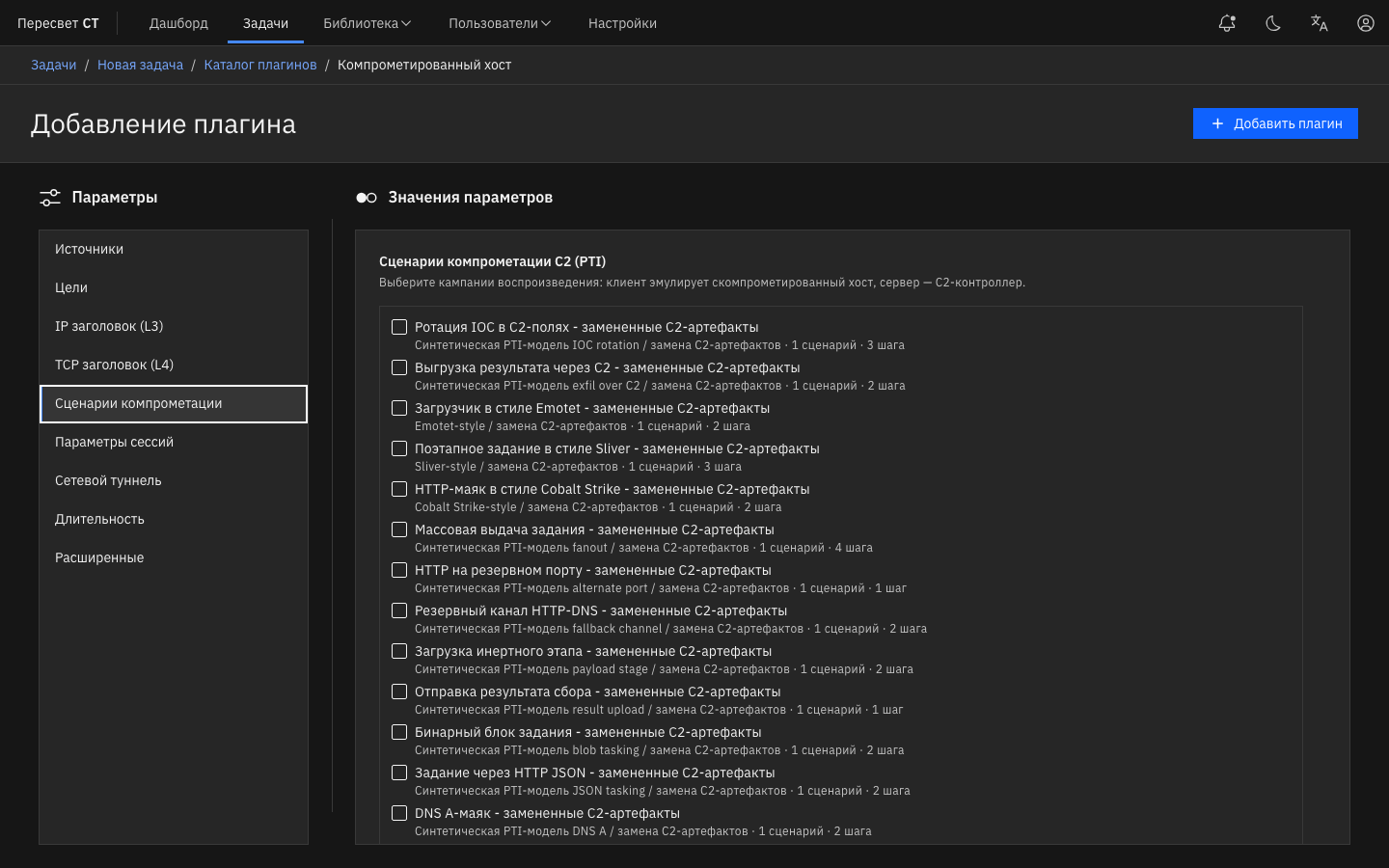
Figure 21 — Campaign selection and C2 settings
Table 189 — Compromised Host settings
| Name | Description | Value |
|---|---|---|
| C2 Compromise Scenarios (PTI) | List of uploaded campaigns | Select one or more |
| Scenario coverage | First scenario or all campaign scenarios | Select a mode |
| Bot ID mode | Sequential / Random / From list | Infected-host identifiers used in events |
| Step timeout | Time to wait for a C2 response at a scenario step | 0–300 seconds (0 means unlimited; default: 30) |
| C2 beacon interval | Delay between C2 requests | 1–86400 seconds |
| Beacon interval jitter | Jitter applied to the base interval | 0–90% |
| HTTP Host / DNS query / URI / Request body | Override C2 artifacts | Empty uses the IOC from the campaign |
| Loop replay | Repeat scenarios over open connections | One pass or loop for the configured duration |
| Sessions / CPS | Session count and opening rate | Default: 100 sessions / 10 CPS |
A typical topology places the client plugin on one agent and the server plugin on another, or runs both arms in the same test environment. Before starting, import the C2 campaign package and wait for it to synchronize with the agents; see Settings → Synchronization and the C2 (PTI) library.
The summary counts each directed attempt once on its owner agent. Blocking includes RST/SYN, timeout, an early TCP close (blocked_close), and a changed expected response (payload_mismatch). blocked_orphan means a replay error or unclassified state; it is reported separately and excluded from the block rate.
Dashboard: compromised_host.